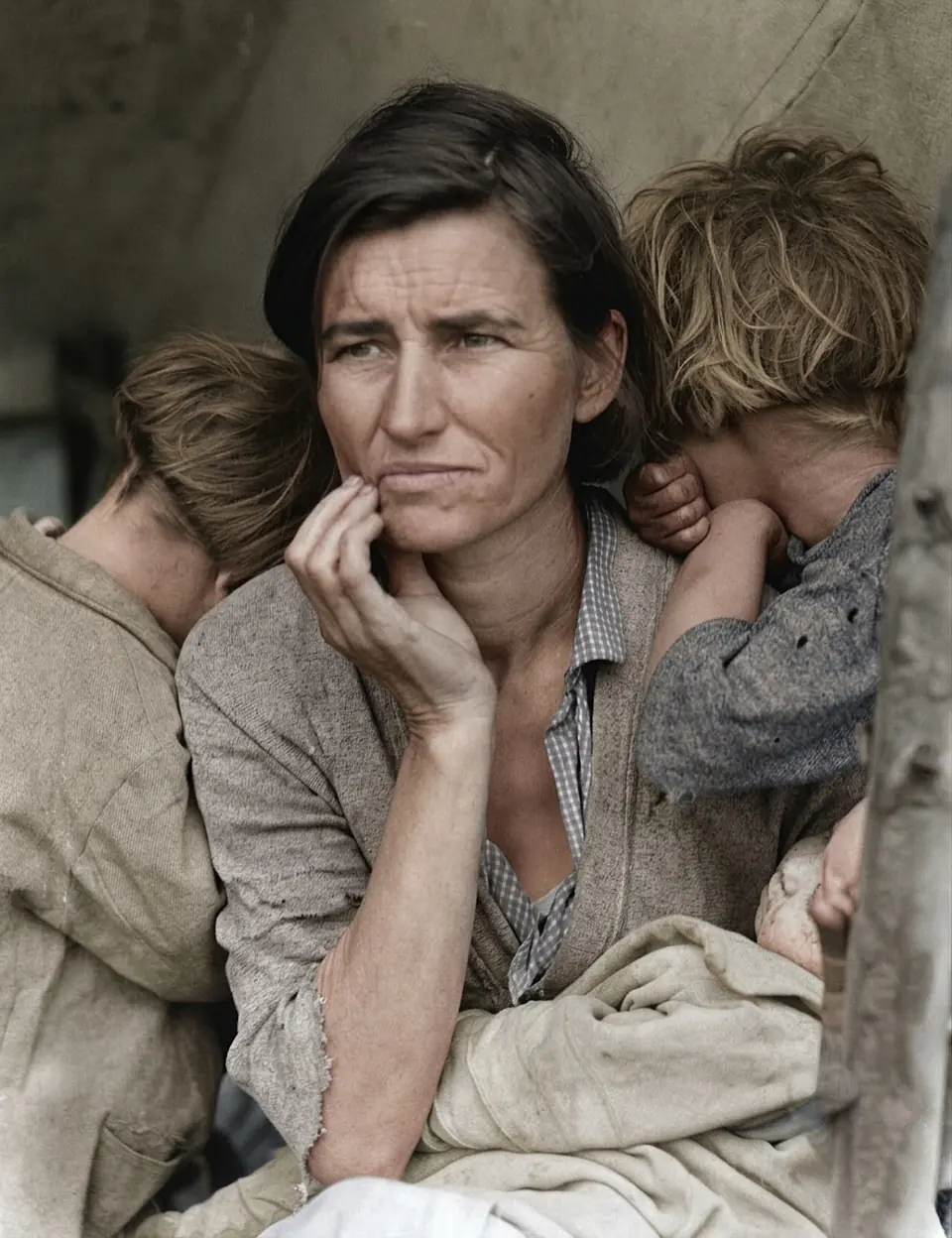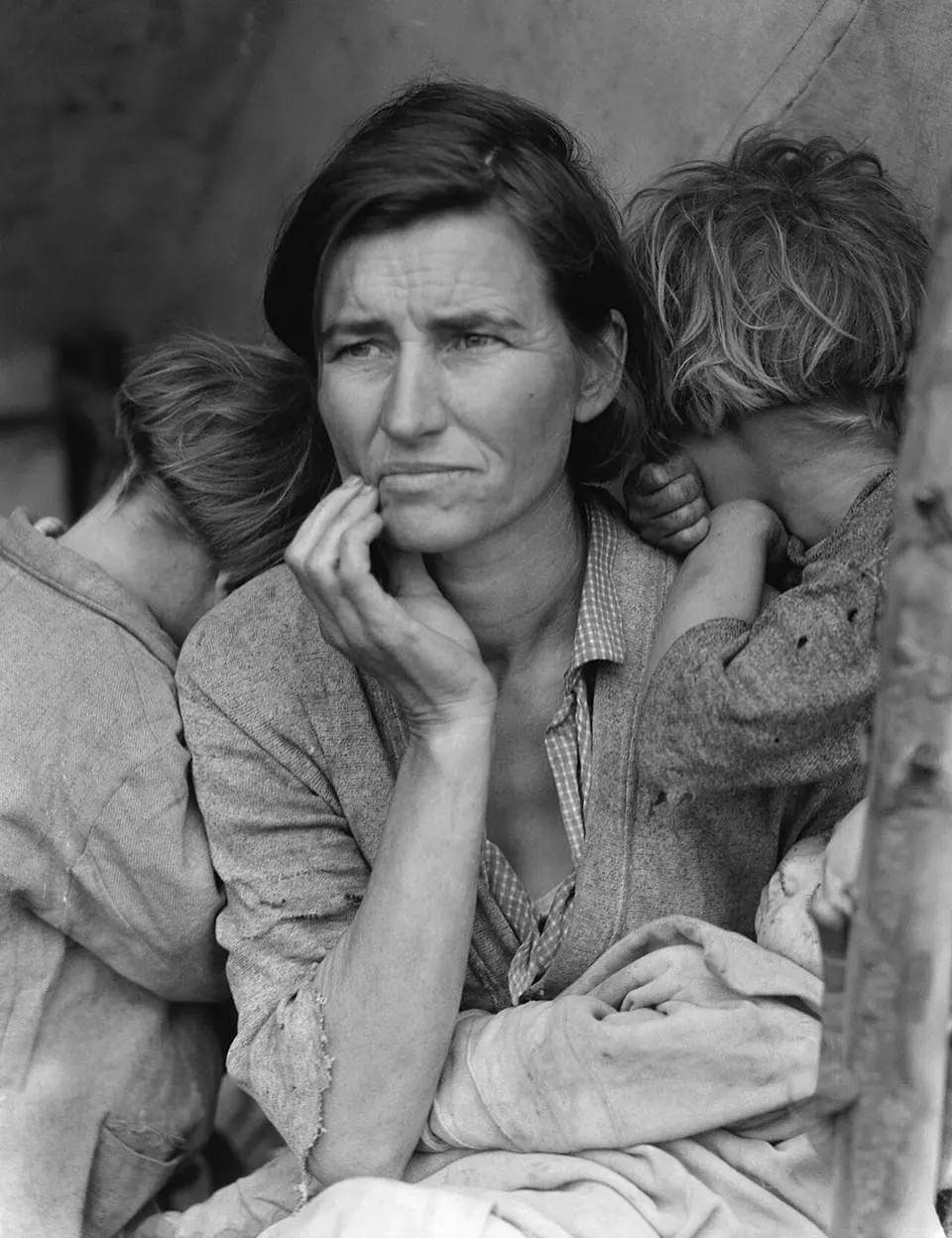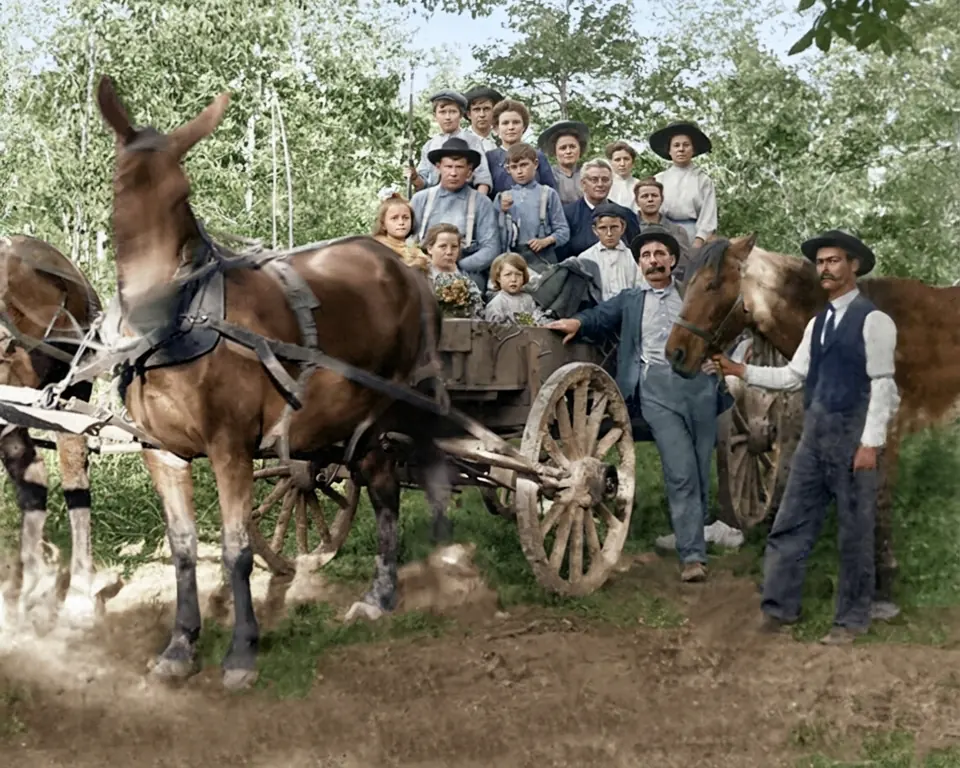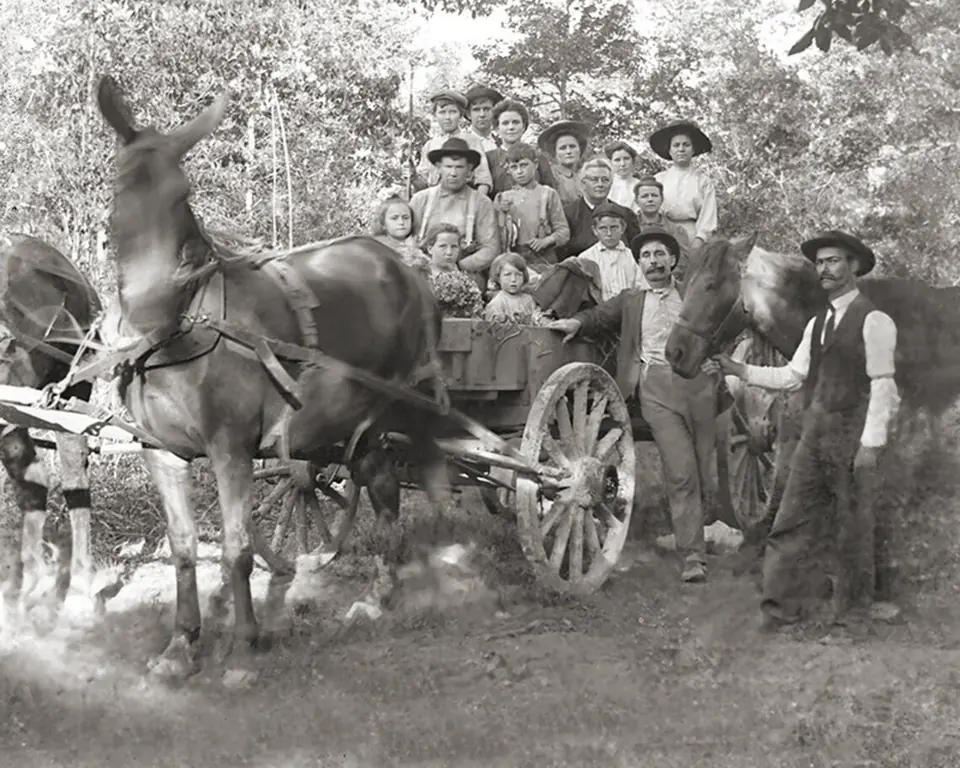
One pass instead of two
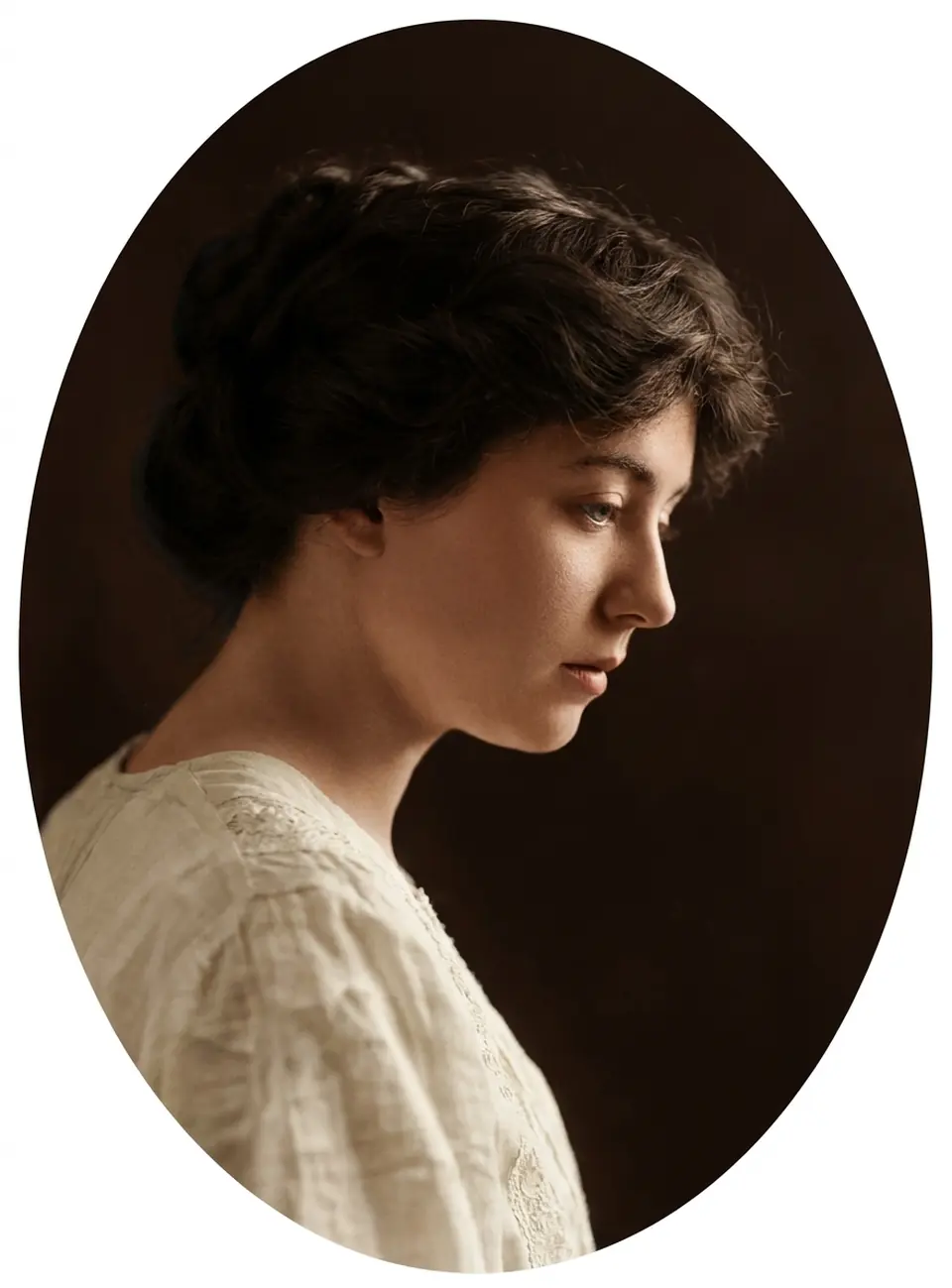
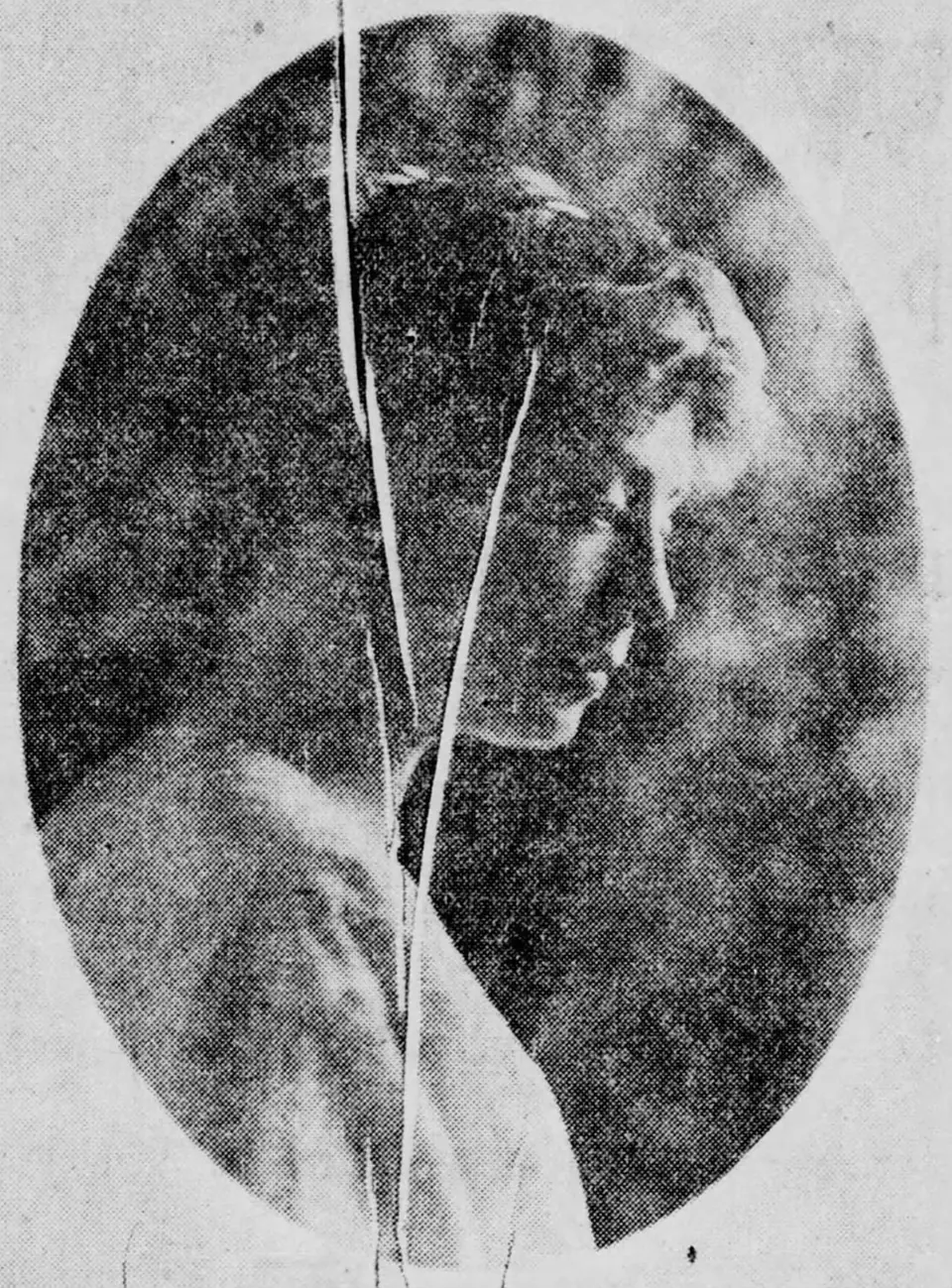
Most old family photos have two problems at once: they are black and white, and they are worn. Fixing them separately usually means two tools and two exports. Restore + colorize does both in a single run, in the right order.
- Repair. Scratches, dust, creases, stains and fading are cleaned up, and small tears are filled from the surrounding detail.
- Color. Skin, hair, clothing, sky and foliage get natural, era-appropriate color, with the original lighting and grain kept.
- Check. You compare the result with the original at full size before deciding whether to download it.
When to choose this mode
Use it for prints with visible damage that you’d like to see in color: water-stained portraits, cracked studio cards, creased photos that were folded into a wallet. If the photo is in good condition, colorize it on its own. If you want to keep the original tones, restore it without color.
Keeping expectations honest
Color in an old photo is always an informed estimate: the AI reads the scene, clothing and era, but it can’t know the real color of a dress or someone’s eyes. Heavily damaged areas are reconstructed rather than recovered. The free preview and the free retry are there so you can judge the result yourself before paying for it.