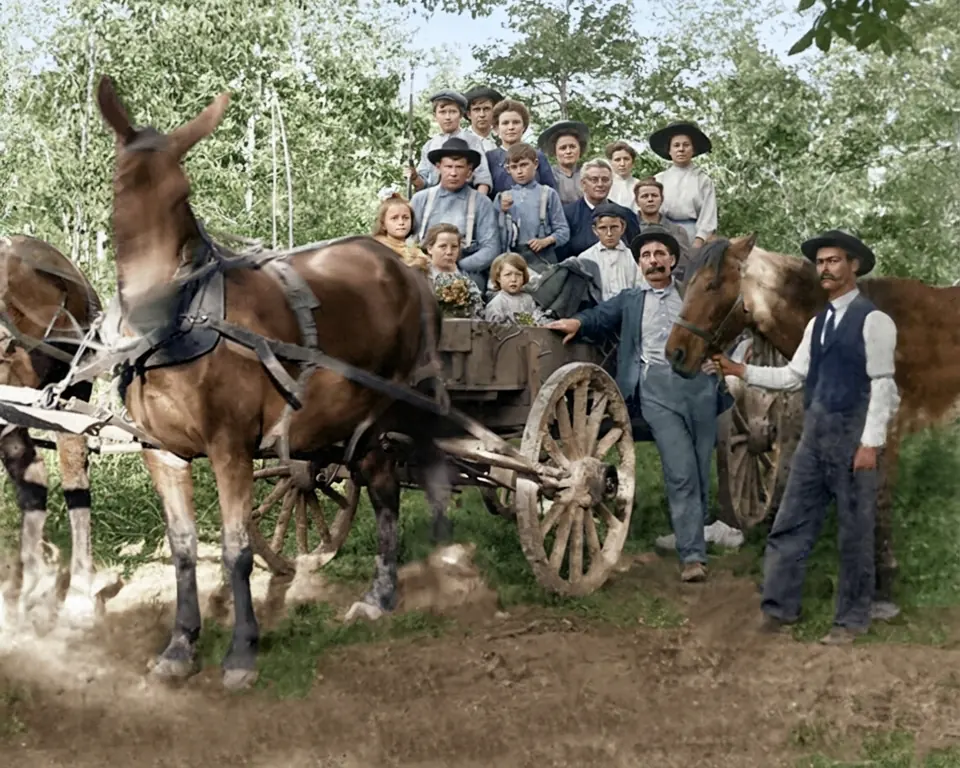
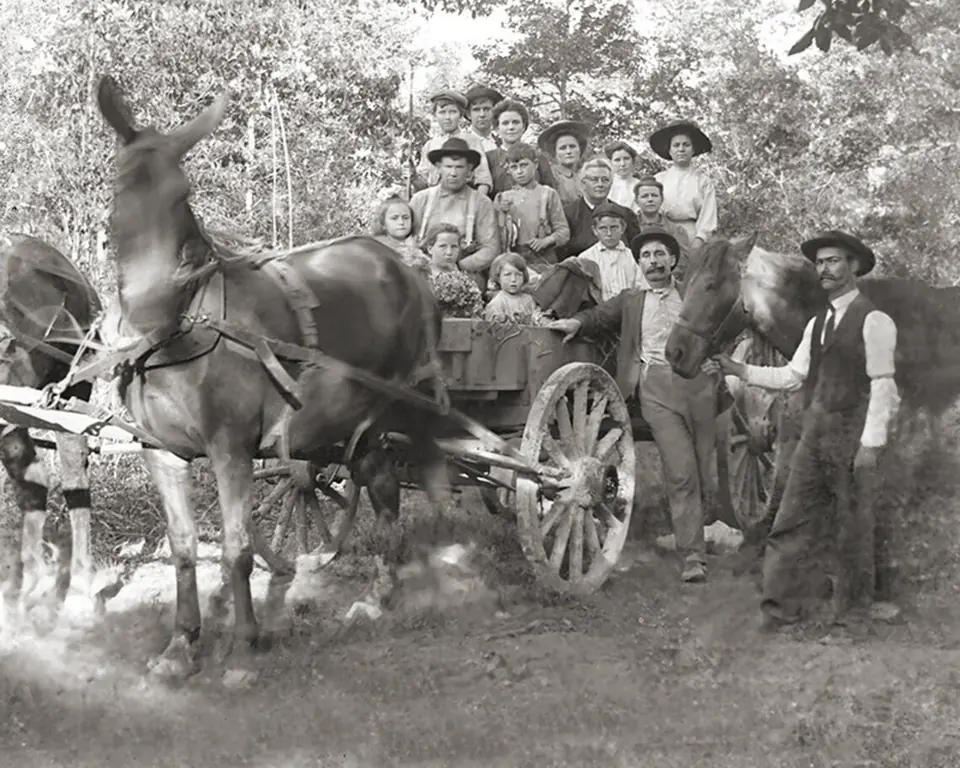
Photos that mean something
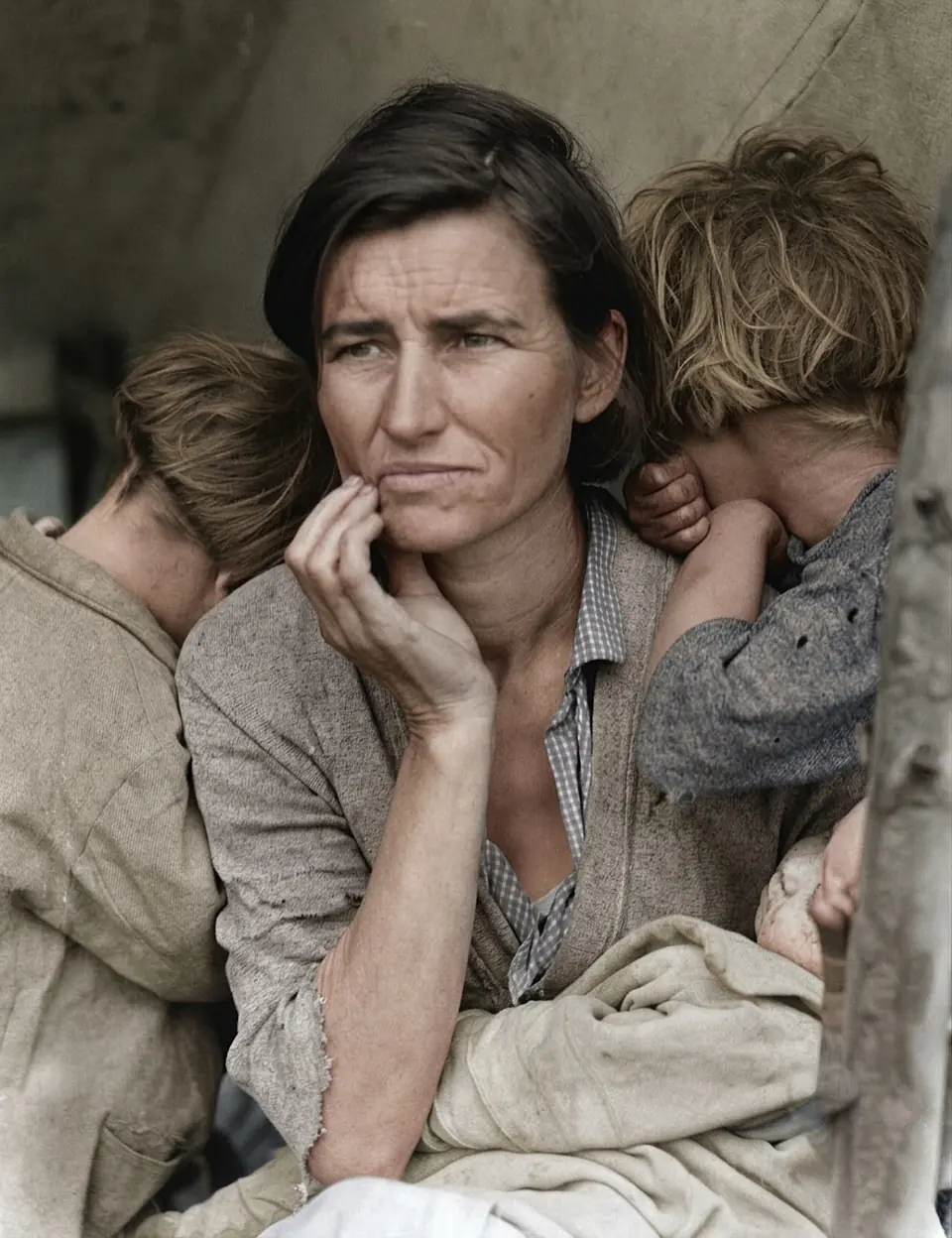
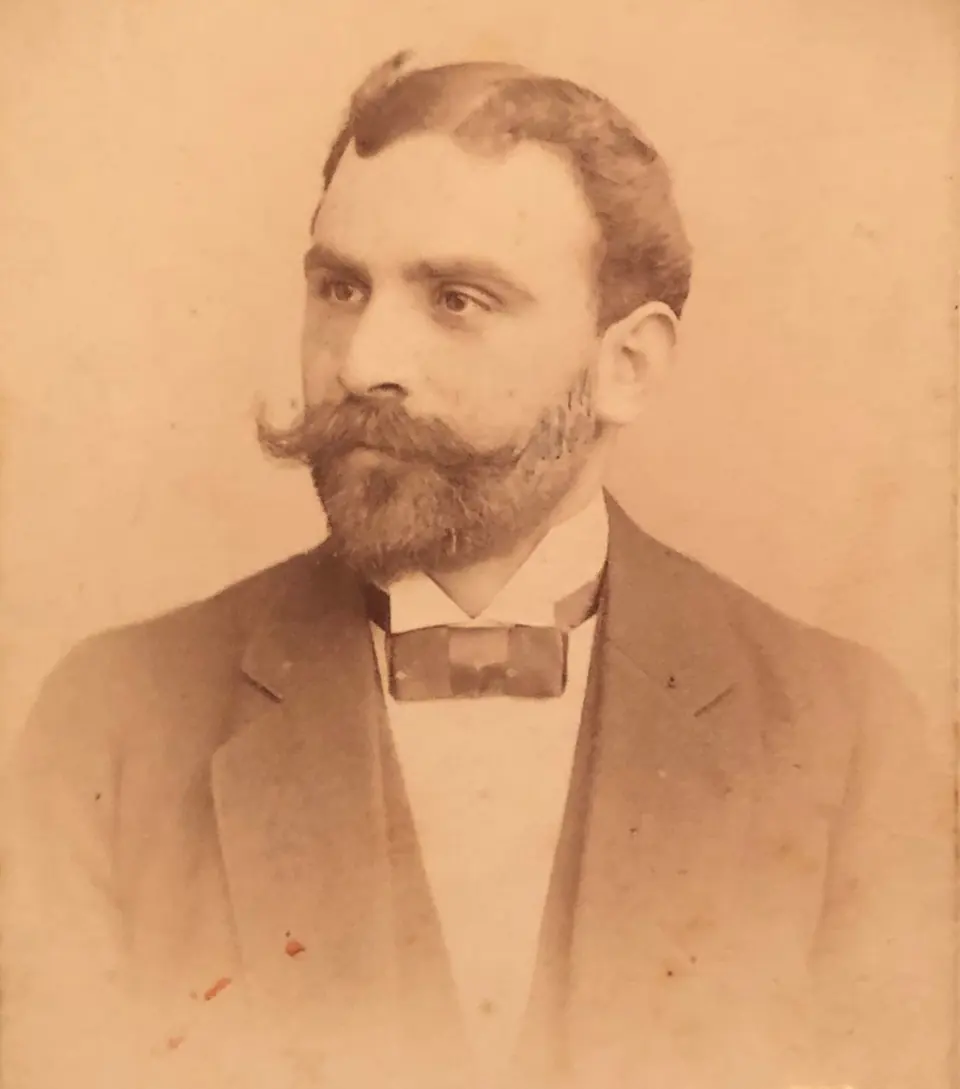
Family photos are different from any other picture: you know the people in them. A colorizer that subtly reshapes a nose, smooths a smile or “beautifies” a great-aunt ruins the photo, however good the color looks. We built RecolorizePhoto around one rule: add color, change nothing else.
Tips for scanning family photos
- Scan, don’t screenshot. Take prints out of sleeves and albums, clean the scanner glass, and scan at 300 to 600 dpi.
- Phone photos work too. Lay the print flat in daylight near a window, hold the phone parallel to it, and avoid glare and shadows.
- Keep the whole print. Leave a little border. The AI uses the surroundings to judge lighting and color.
- Damaged prints? Choose Restore + colorize to repair scratches and creases before color is added.
Make the colors your own
The AI chooses colors from the scene, the clothing and the era, so the result is believable but not a record. If you know a detail, such as red hair, a blue uniform or a green front door, write it on the back of the print or in your family tree notes, and use the free retry if the first version doesn’t match.
Share them with the family
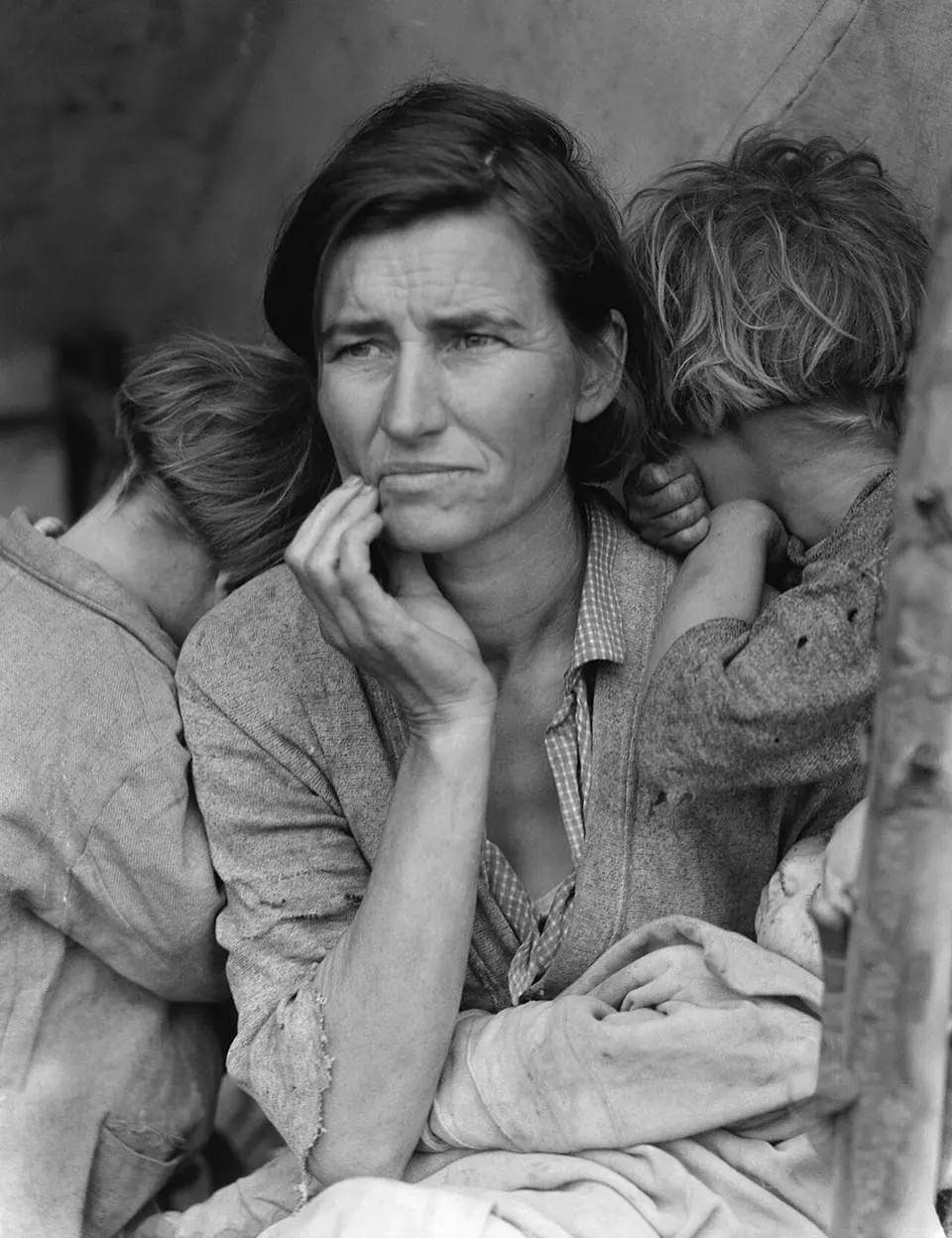
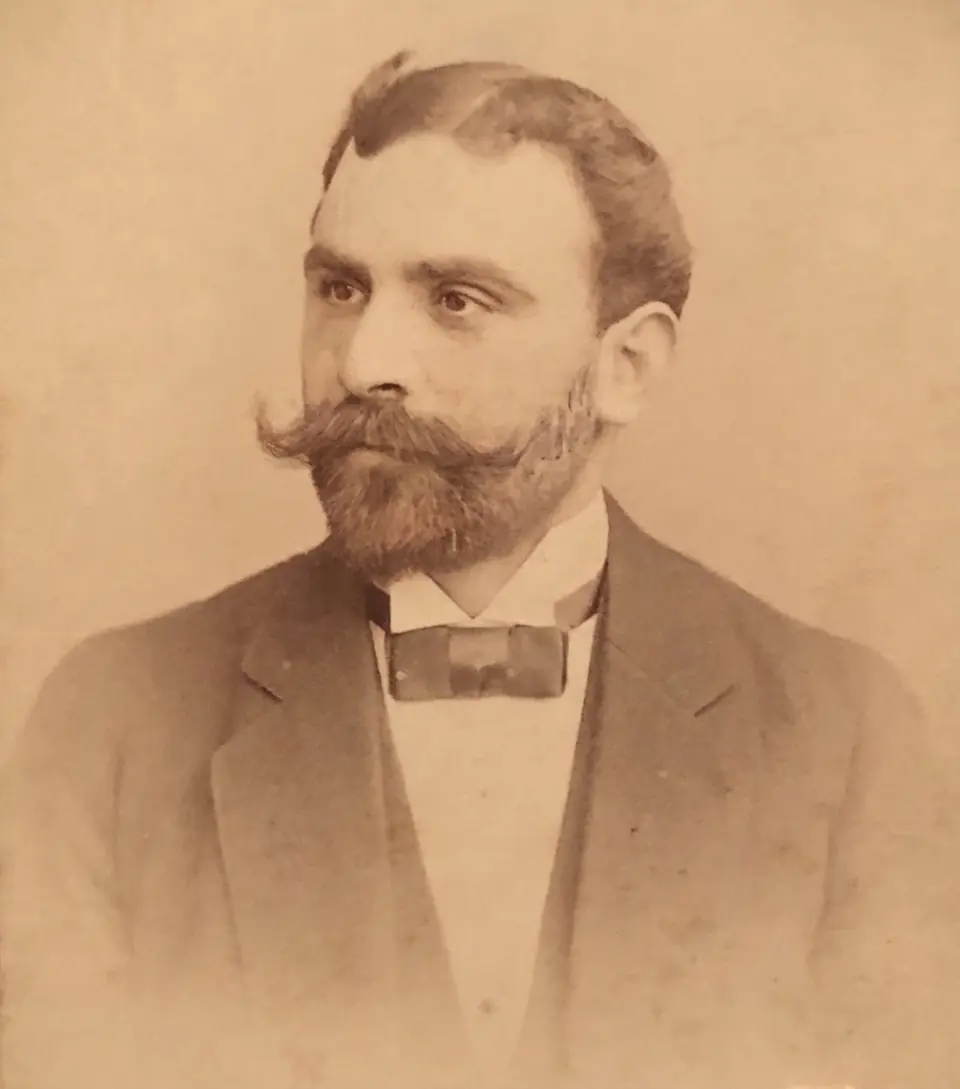
Download the full-resolution file and it’s yours to print, frame or share. Colorized photos make thoughtful gifts for birthdays, anniversaries and family reunions, especially next to the original black and white print.