Historical photo colorizer

Colorize historical photos and keep the history intact

Give archive portraits, street scenes and documentary images natural color without adding, removing or redrawing anything. Preview the full-size result free.

Private. Deleted automatically after 24 hours.

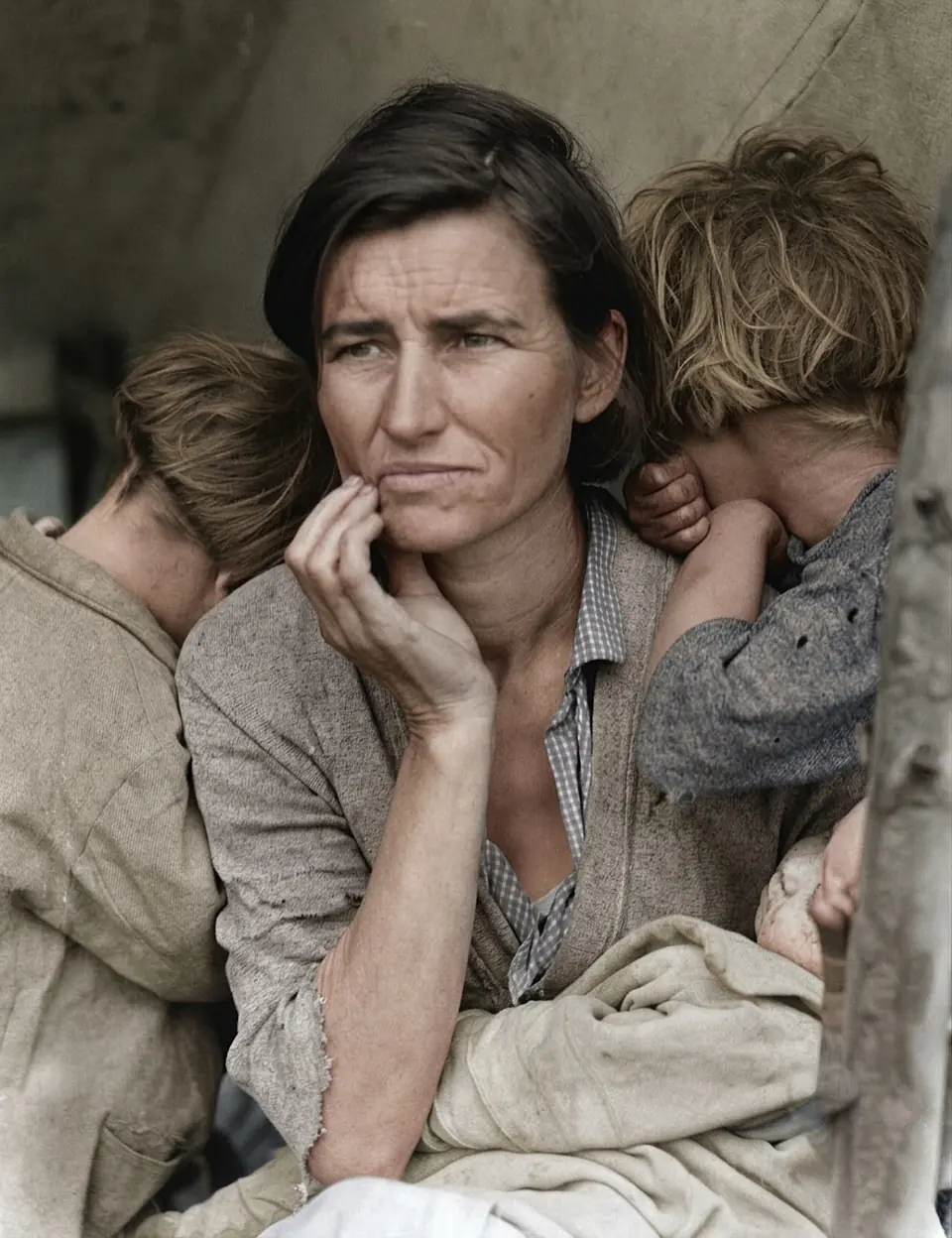
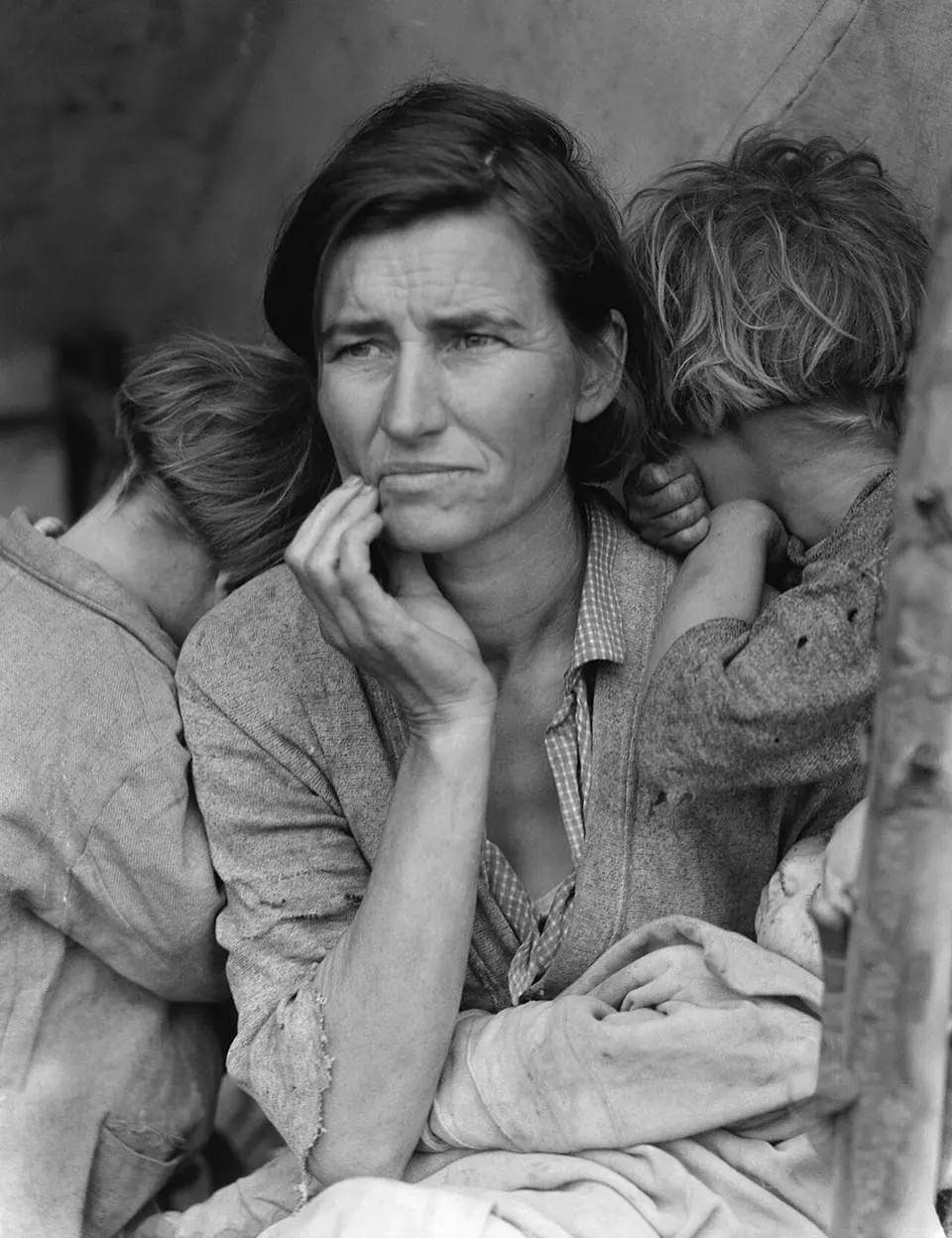
Processed with RecolorizePhoto. “Migrant Mother”, Dorothea Lange, 1936. Library of Congress, public domain.Original photo. “Migrant Mother”, Dorothea Lange, 1936. Library of Congress, public domain.BeforeAfter
“Migrant Mother”, Dorothea Lange, 1936. Library of Congress, public domain.
  • No face changesSame eyes, same smile, same person.
  • Free full-size previewSee the whole result before paying.
  • 1 free retryAnother try at no cost.
  • Deleted after 24hPhotos are removed automatically.
  • Credits never expirePay once, use them any time.

Bringing the past closer

Color changes how we read a historical photo. Faces from a century ago stop looking like figures from another world and start looking like people. The example above is Dorothea Lange’s 1936 portrait “Migrant Mother”, a public-domain photograph from the Library of Congress, colorized with our pipeline and otherwise unedited.

Respecting the source

Historical images are documents, so we treat them that way. When you colorize a photo here:

  • people, objects and text in the scene are left in place
  • faces and expressions are not retouched or reshaped
  • grain, lighting and composition are kept
  • nothing is cropped, and no watermark or signature is added

Good practice for publishing

If you publish a colorized historical photo, say that it has been colorized and credit the original photographer and archive. Keep the black and white original alongside it: readers should be able to compare. Check the rights statement of the collection, as public-domain status depends on the country, the date and who made the image.

Where to find public-domain photos

Many national libraries and archives publish large collections with clear rights statements, including the Library of Congress, national archives and Wikimedia Commons. Download the largest file offered, then upload it here. If the print is scratched or faded, use Restore + colorize.
Before and after

Unedited results from our own pipeline on public-domain photos. Drag each slider to compare.

Processed with RecolorizePhoto. “Migrant Mother”, Dorothea Lange, 1936. Library of Congress, public domain.Original photo. “Migrant Mother”, Dorothea Lange, 1936. Library of Congress, public domain.BeforeAfter
Colorize“Migrant Mother”, Dorothea Lange, 1936. Library of Congress, public domain.
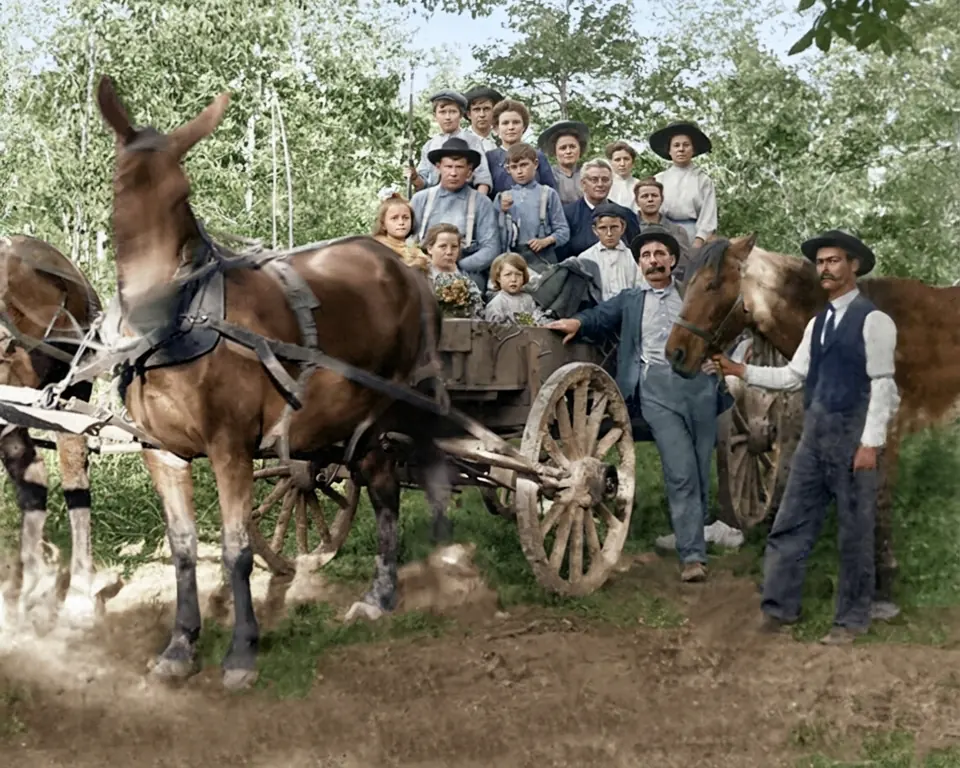
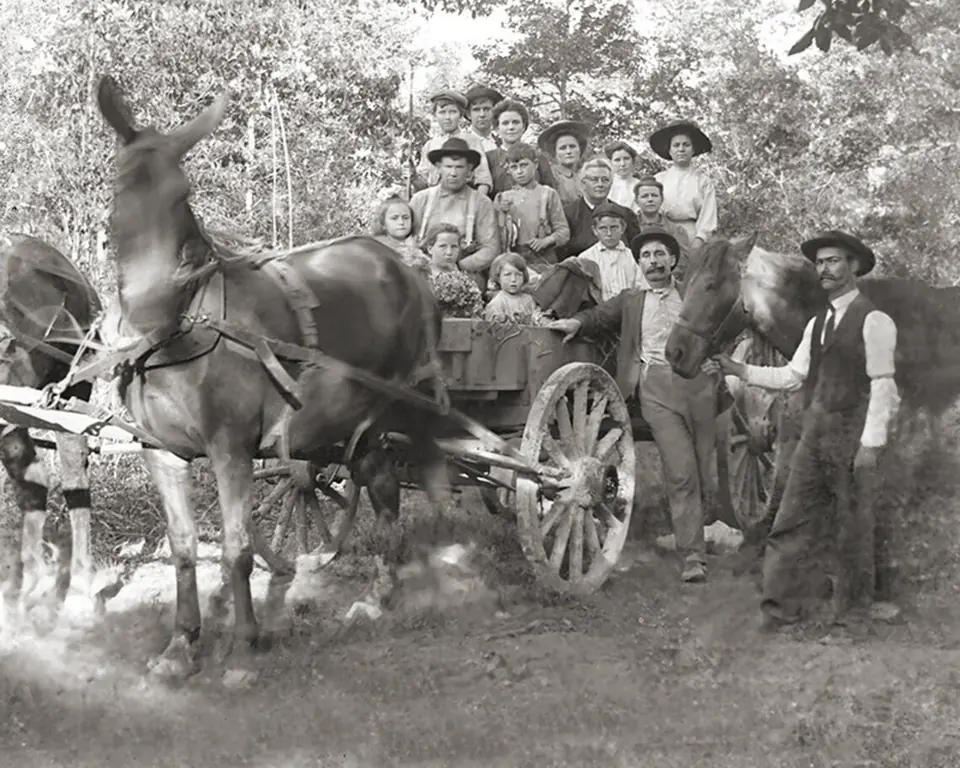
Processed with RecolorizePhoto. Indiana family with a horse-drawn wagon, around 1900. Public domain, via Wikimedia Commons.Original photo. Indiana family with a horse-drawn wagon, around 1900. Public domain, via Wikimedia Commons.BeforeAfter
ColorizeIndiana family with a horse-drawn wagon, around 1900. Public domain, via Wikimedia Commons.
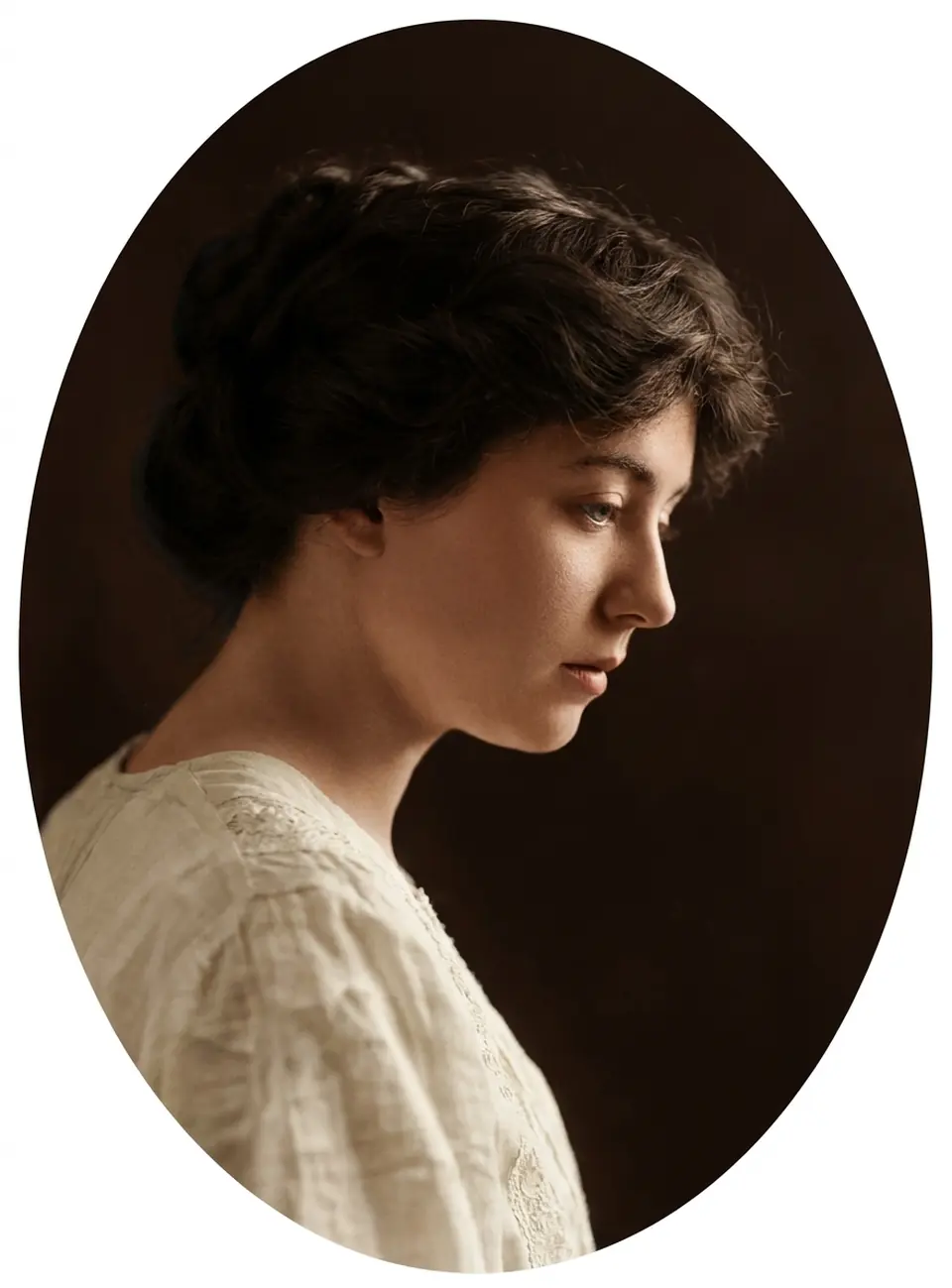
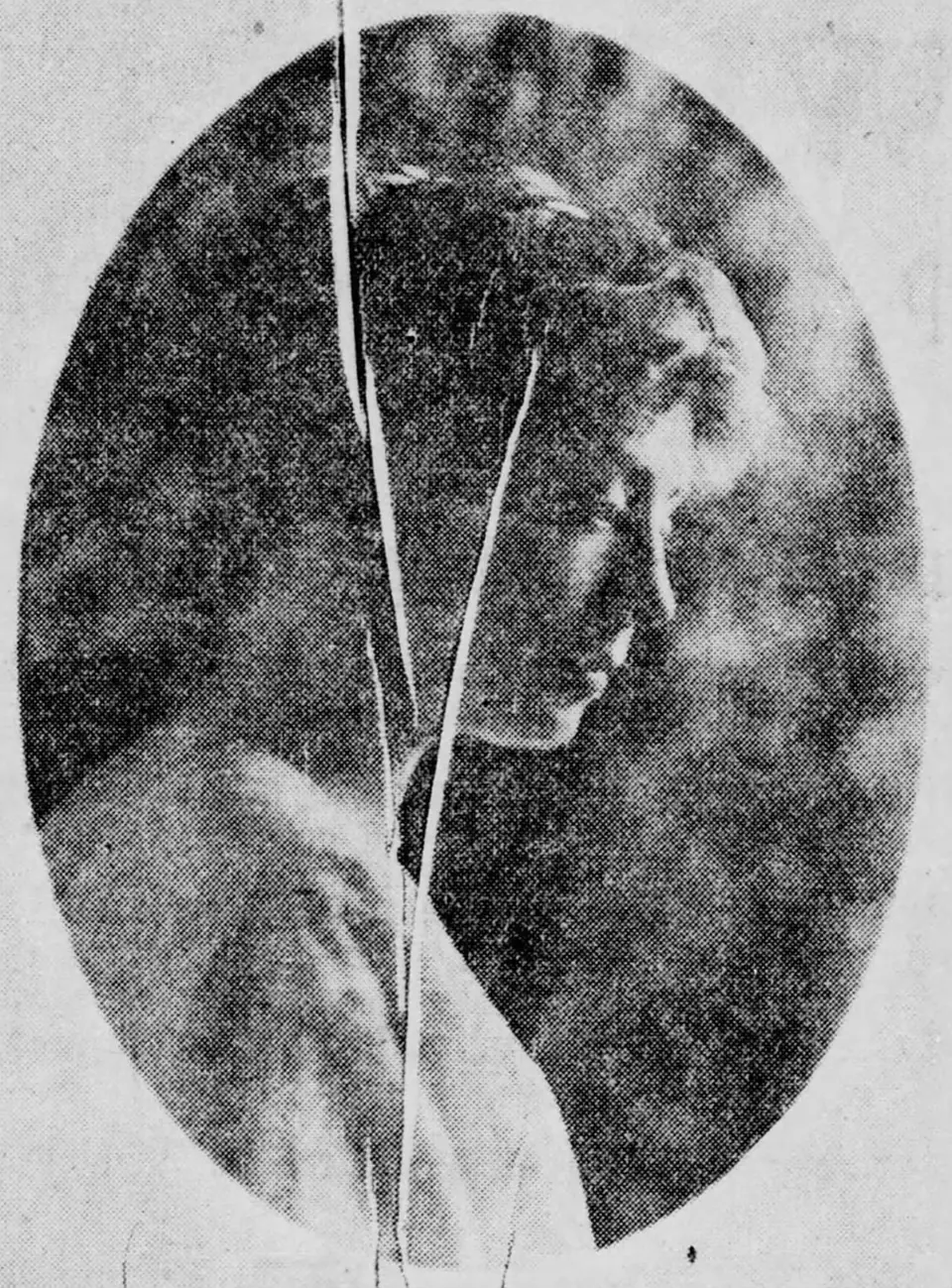
Processed with RecolorizePhoto. Portrait of Ada Stoddard, 1914, a badly worn newspaper print. Public domain, via Wikimedia Commons.Original photo. Portrait of Ada Stoddard, 1914, a badly worn newspaper print. Public domain, via Wikimedia Commons.BeforeAfter
Restore + colorizePortrait of Ada Stoddard, 1914, a badly worn newspaper print. Public domain, via Wikimedia Commons.

How it works

Three steps. Most photos are ready in a minute or two.

  1. 1

    Upload your photo

    Drag in a scan, or a sharp phone photo of the print. JPEG, PNG or WebP up to 15 MB.

  2. 2

    Preview the result free

    Choose colorize, restore or both, then compare before and after at full size. Use your free retry if you'd like another version.

  3. 3

    Unlock and download

    Happy with it? Spend 1 credit to download the full-resolution file. Not happy? You pay nothing.

Frequently asked questions

Straight answers before you upload.

Bring a family photo back to life today

Upload a black and white photo and see it in color in a minute or two. The preview is free.

Upload a photo