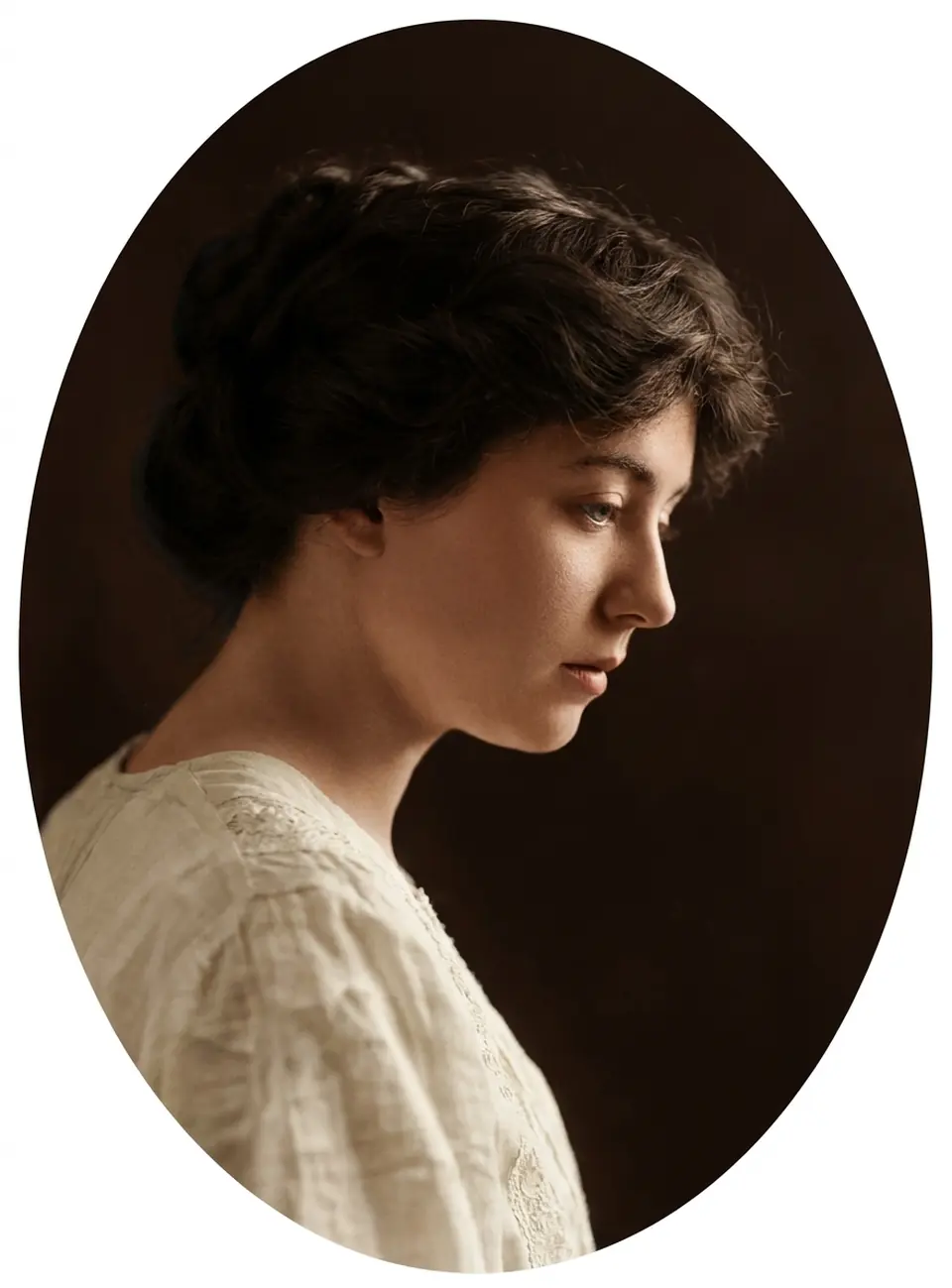
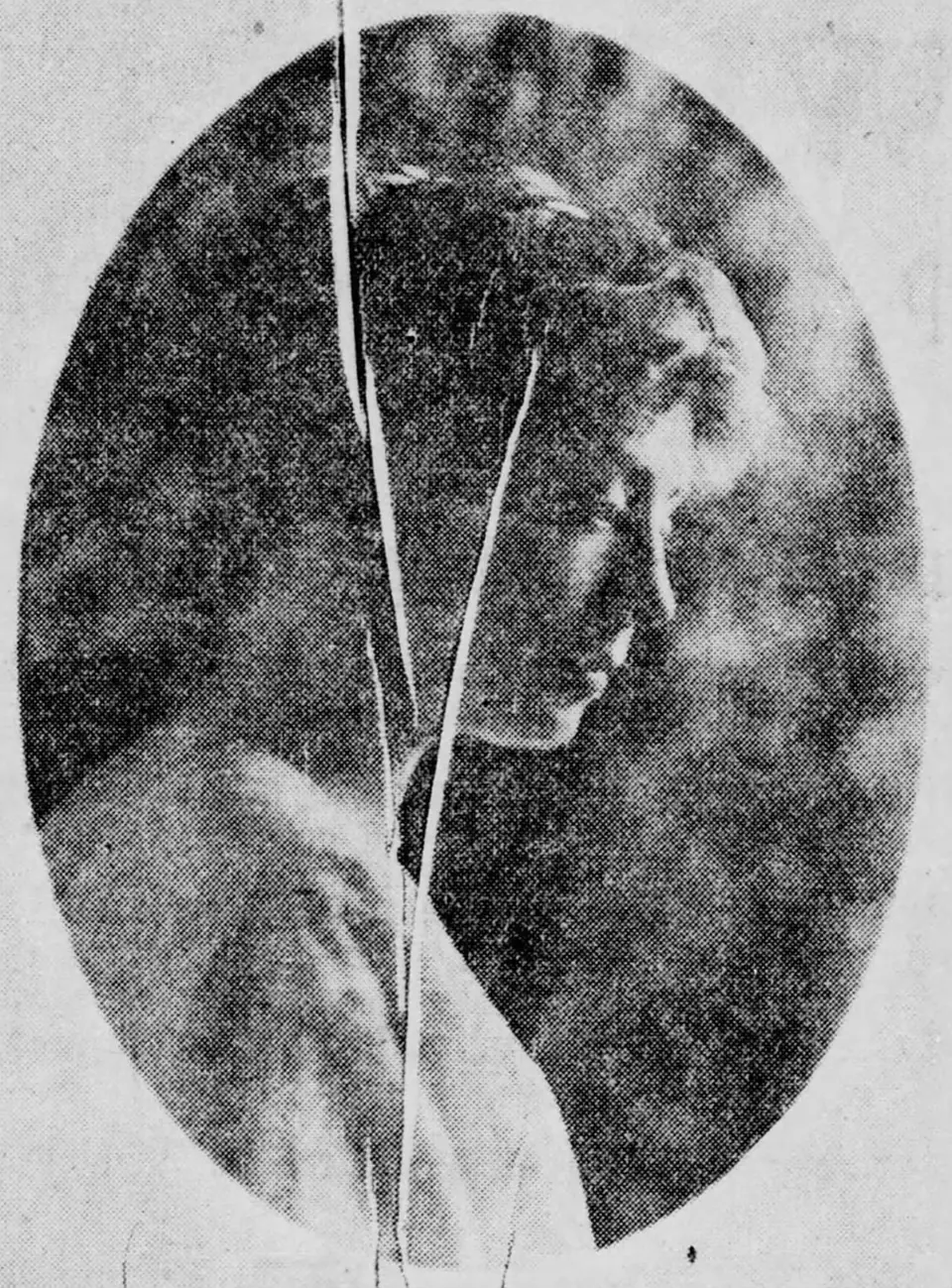
What photo restoration does
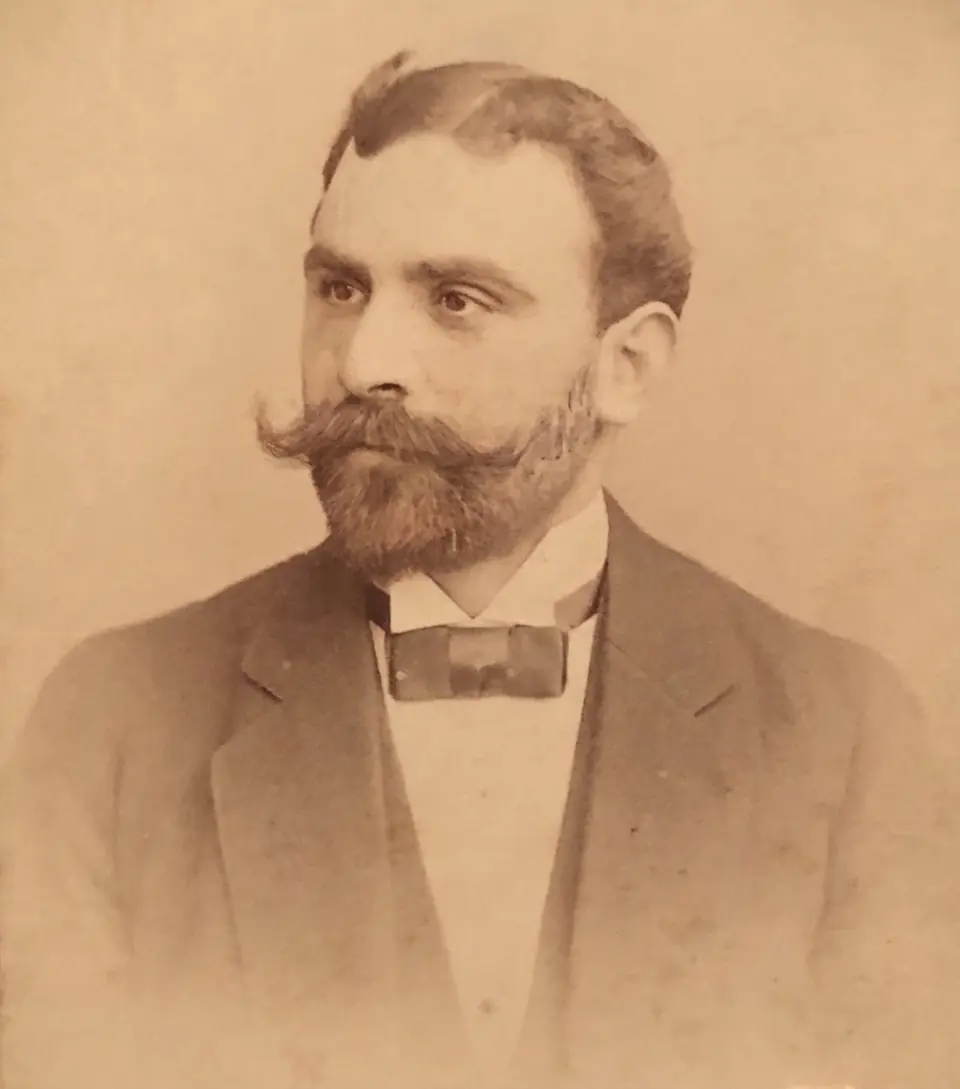
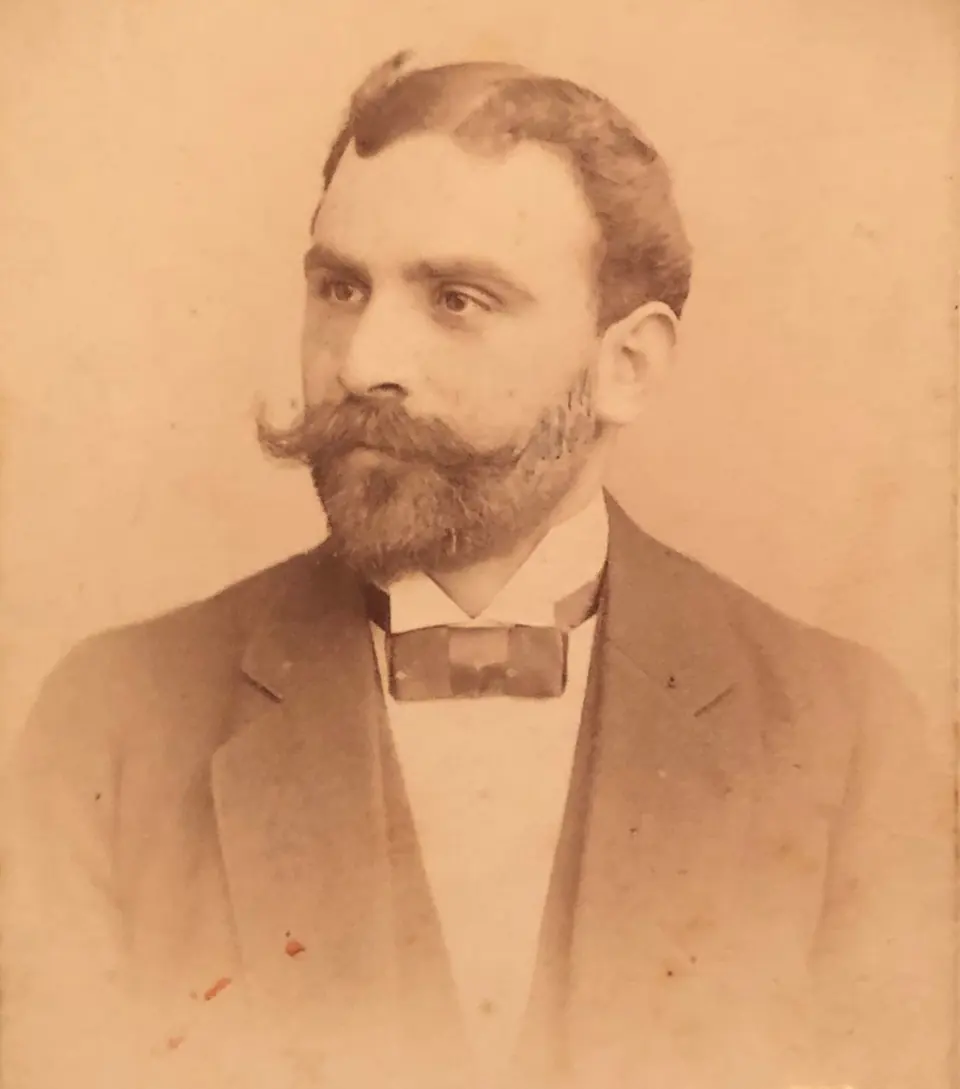
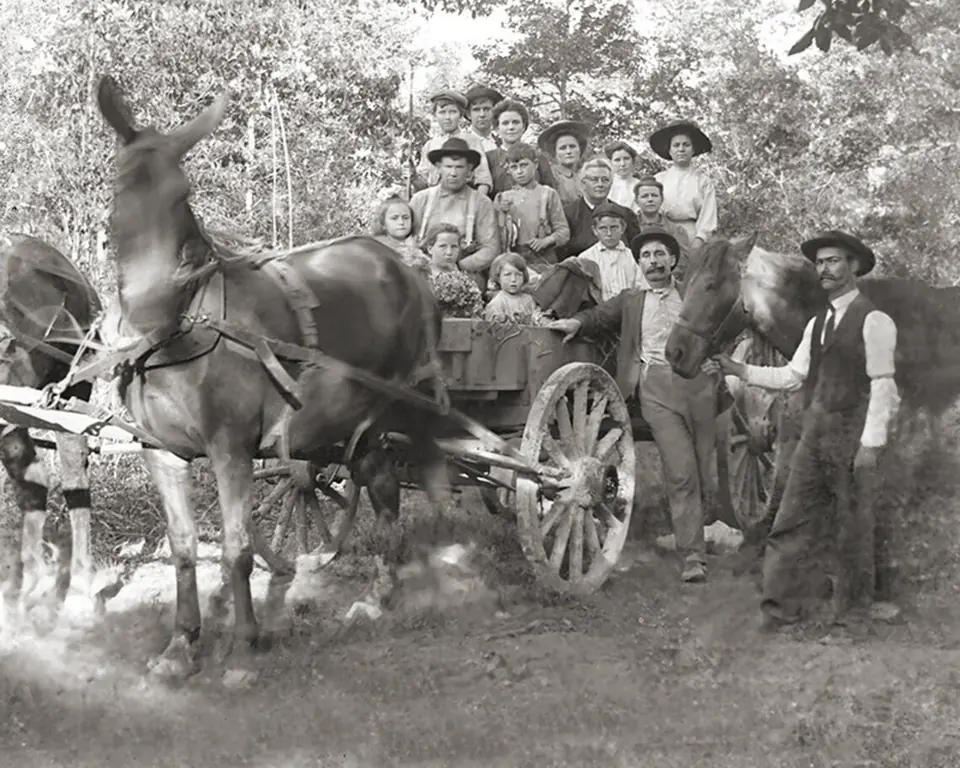
Old prints are fragile. Emulsion cracks, corners crease, and decades in an album or a shoebox leave dust, mould spots and a yellow cast. Restoration repairs that wear so the photo looks the way it did when it was printed, without “improving” the people in it.
When you choose Restore, we:
- remove scratches, dust, spots and fold lines
- reduce stains, silvering and fading, and recover contrast
- fill small tears and chipped corners from the surrounding detail
- keep the original black and white or sepia tone
What restoration doesn’t do
We don’t sharpen faces into someone new, smooth away wrinkles, change expressions or crop the photo. Identity comes first: a grandmother should still look like your grandmother. Where a large part of the print is missing, the AI has to guess what was there, so check those areas closely in the preview.
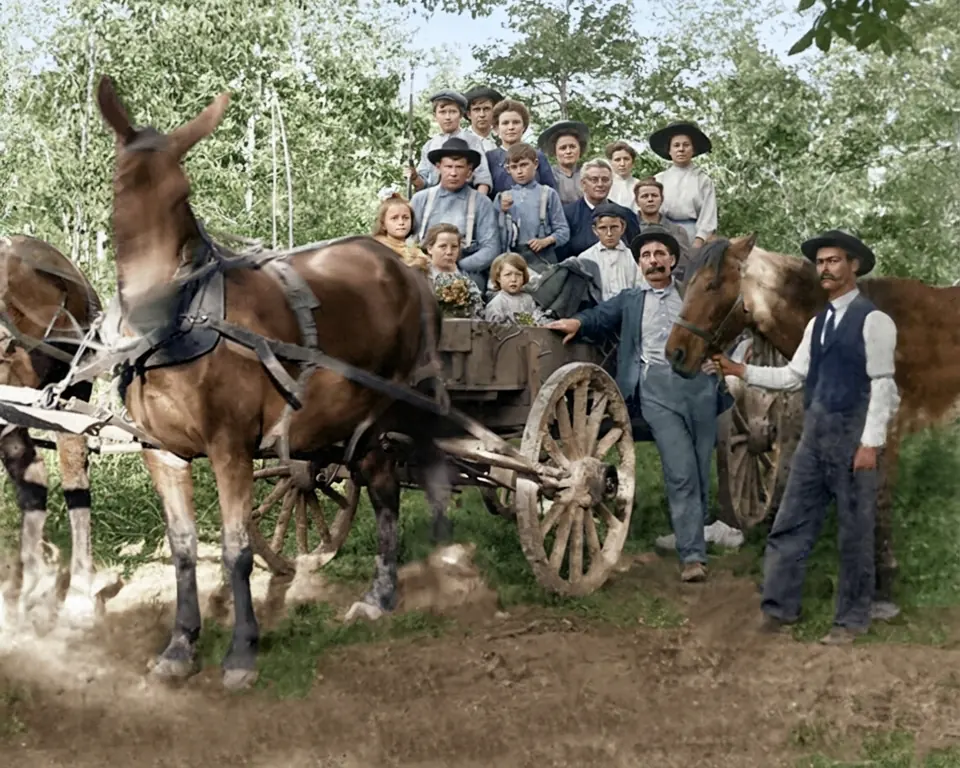
Restore, or restore and colorize?
If you want to keep the photo’s original look, use Restore. If the photo is black and white and you’d like to see it in color as well, restore and colorize in one step. For photos that are in good condition, plain colorizing is enough.
Getting the best result
Start from the best copy you have. A flatbed scan at 300 to 600 dpi is ideal; a phone photo works if the print lies flat, the light is even and there is no glare. Upload the whole print rather than a tight crop, so the AI has context around faces and edges.